Typical application scenarios
|
✅ Vole PDF Creator application scenario analysis
📌 Summary of core software functions
Function
| describe
|
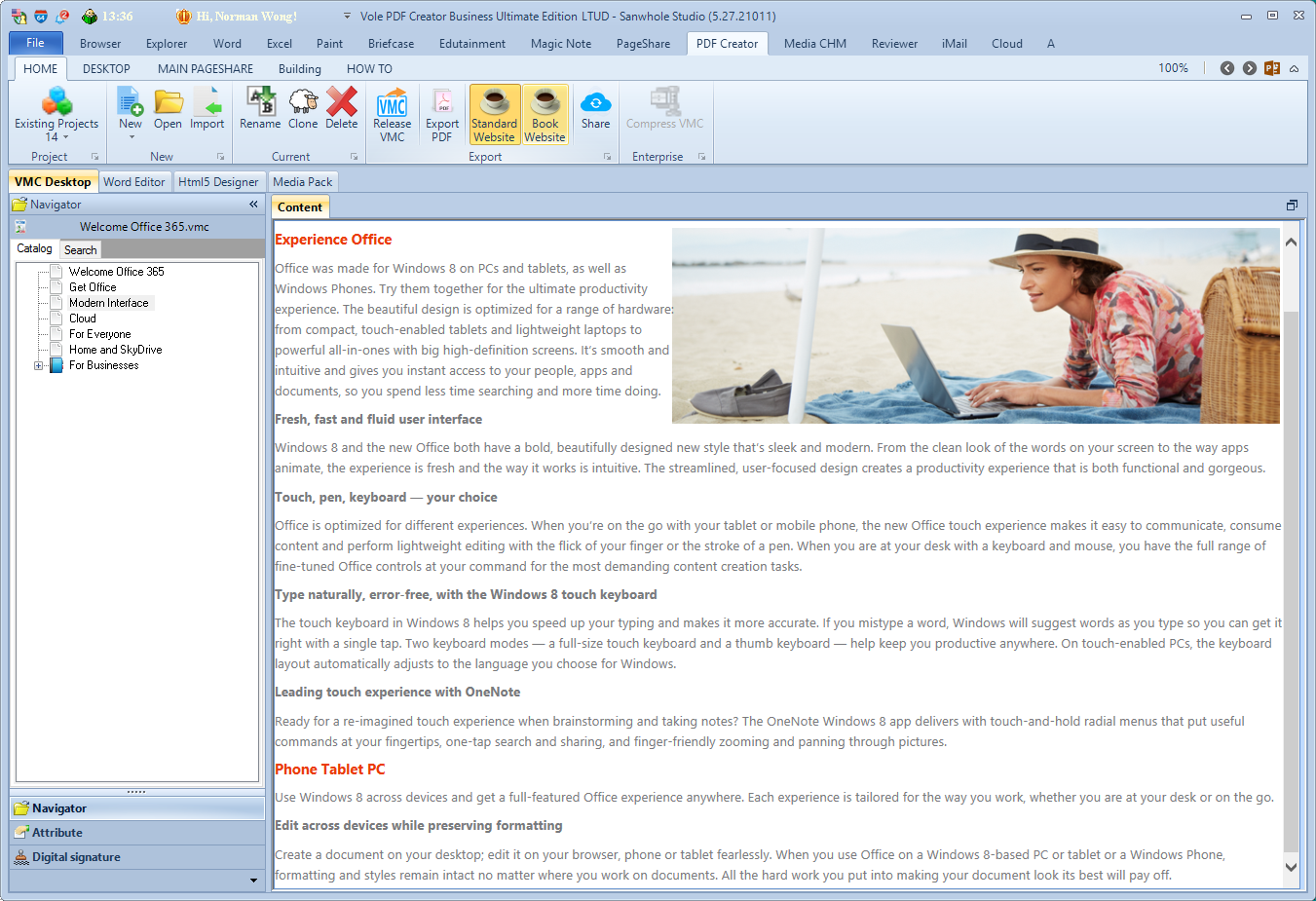
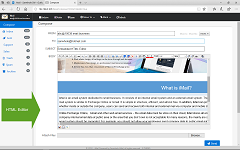
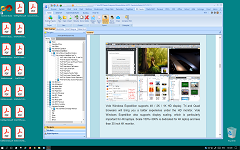
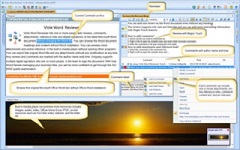
✅ Built-in Word editor
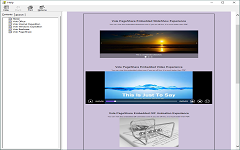
| Write documents directly in the editor, mix text and images, what you see is what you get
|
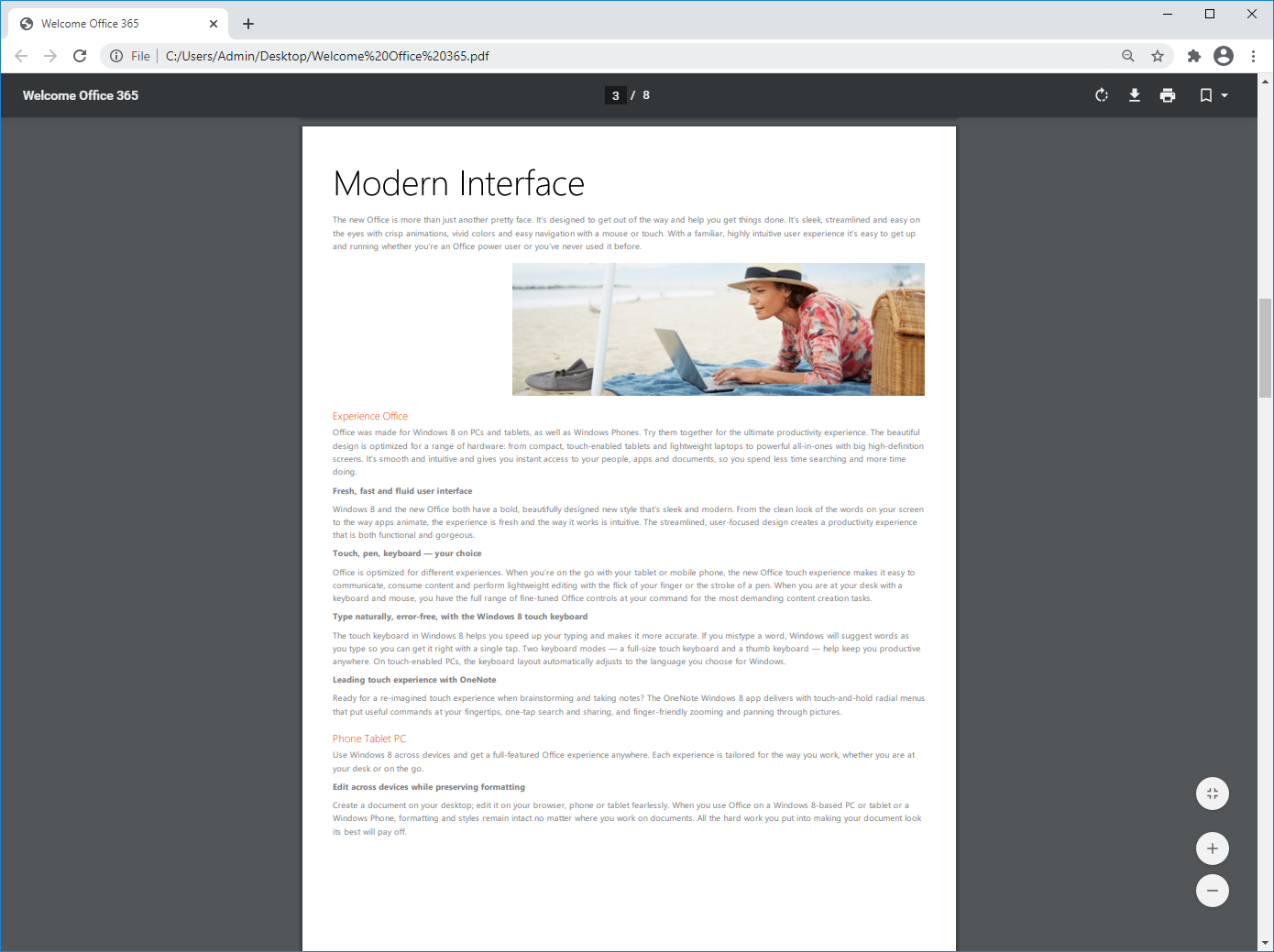
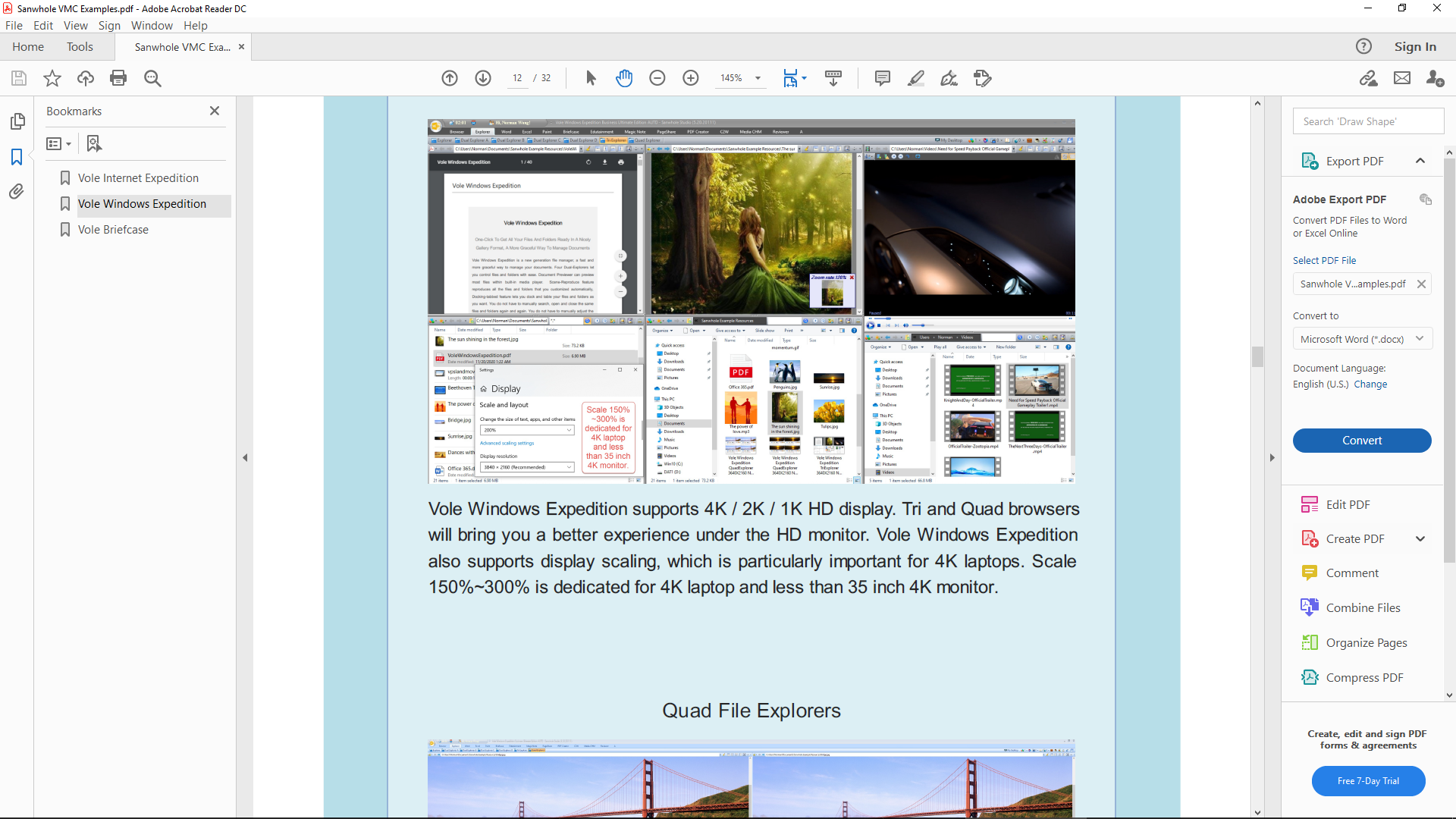
✅ Export to PDF
| Supports generation of standard PDF files
|
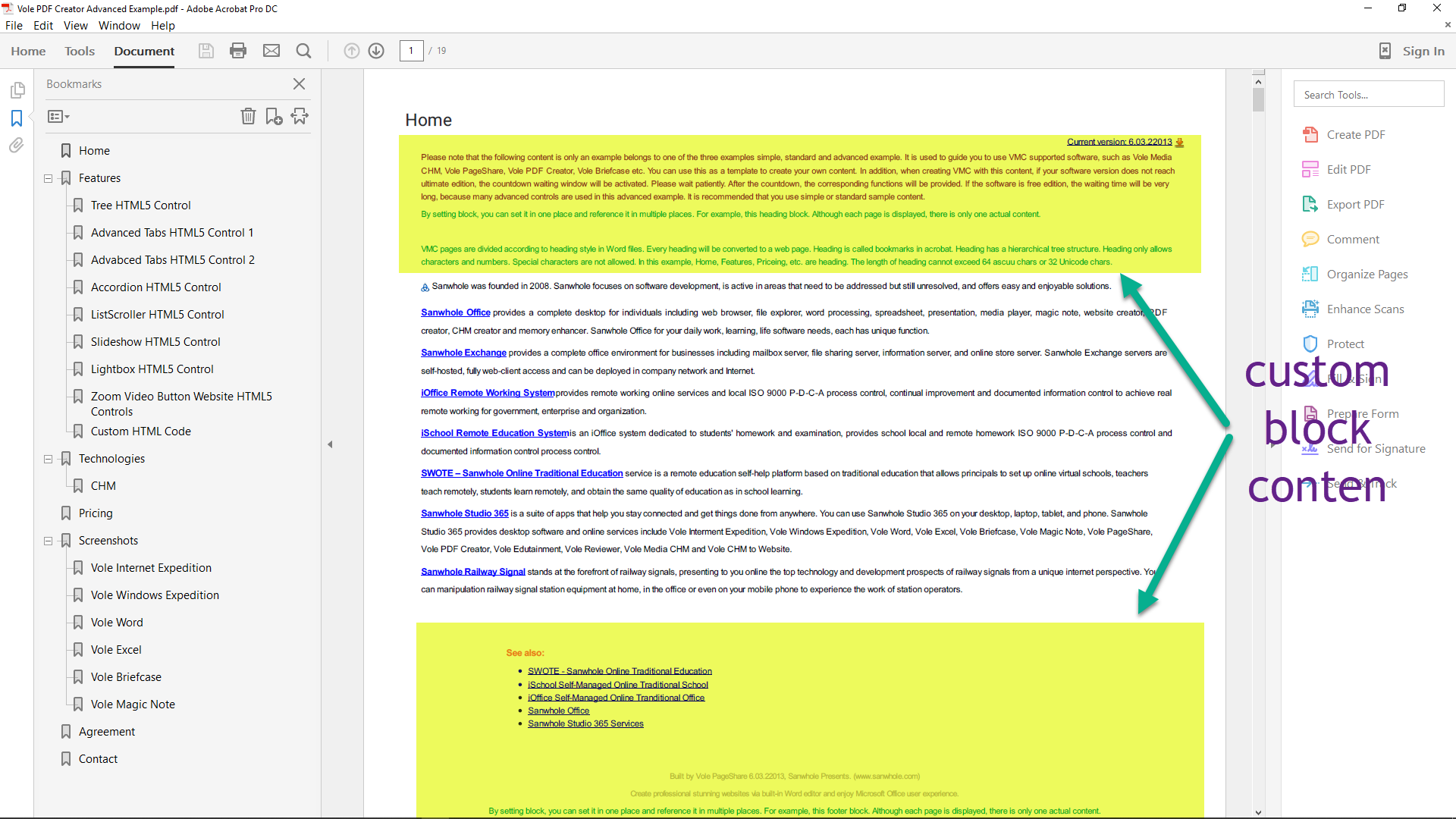
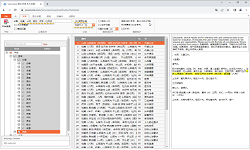
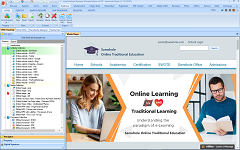
✅ Tree directory (bookmarks) support
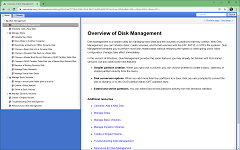
| Supports defining chapter directories in the document structure and automatically generating bookmark navigation
|
✅ Custom block mechanism
| Define content modules, which can be referenced in multiple places in the document and maintained centrally
|
✅ Support headers, footers, watermarks, signatures, etc.
| Enhance the formality and security of documents
|
✅ Book-style layout, cover and back cover
| Suitable for e-books and documents with high format requirements
|
🎯 Typical application scenarios
1. 📚 Teaching document / textbook writing and maintenance
- Application :
- Use the built-in editor to write teaching materials and handouts, and use the " custom block " mechanism to centrally maintain common sections such as course highlights and reference materials .
- Output PDF with tree-structured directory to facilitate students to quickly jump to chapters .
- Advantages :
- To update the tutorial content, you don't need to manually replace every place, just change the block source .
- The tree navigation improves the reading experience and is suitable for online learning and printing .
2. 🧾 Enterprise rules and regulations document management
- Application :
- Define company policy terms and processes as custom blocks, such as " leave system " and " business trip process " .
- These blocks are referenced in multiple departmental documents .
- Update in one place, sync everywhere .
- Advantages :
- Ensure the consistency and timeliness of company documents
- Reduce errors caused by repeated manual modifications
3. 📖 E-book, self-publishing document writing
- Application :
- Define the chapter structure through the bookmark function to form a professional PDF navigation book .
- Use custom blocks to define repeating elements such as cover pages, copyright notices, chapter introductions, and more .
- Advantages :
- The document is clearly structured and easy for readers to navigate
- When modifying copyright information or chapter style, you only need to change it once, which improves efficiency
4. 🧩 Template document generation (contracts, notices, etc. )
- Application :
- Define common paragraphs such as contract terms, company information, etc. as blocks
- Generate customized contract templates for different customers / scenarios
- Advantages :
- Flexible combination and fast generation
- Reduce duplicate entry and potential errors
🌟 Summary of key benefits
Features
| User Value
|
Tree bookmark navigation
| Easy to read and find, especially suitable for structured documents
|
Custom block functionality
| Realize document modularization, centralized modification, and efficient maintenance
|
Word editing + PDF output
| No external software required, integrated creative process
|
Multiple citations to the same source
| Ensure document consistency and reduce the risk of errors
|
✅ Conclusion
Vole PDF Creator It is not a " conversion tool " in the traditional sense , but a professional PDF creation platform suitable for writing, organizing, and uniformly outputting structured documents . In particular: " Custom Blocks " + " Tree Directory " The combination makes it very suitable for user groups that need unified maintenance of repeated content and clear display of document structure .
|
 Sanwhole